How do I add printers?
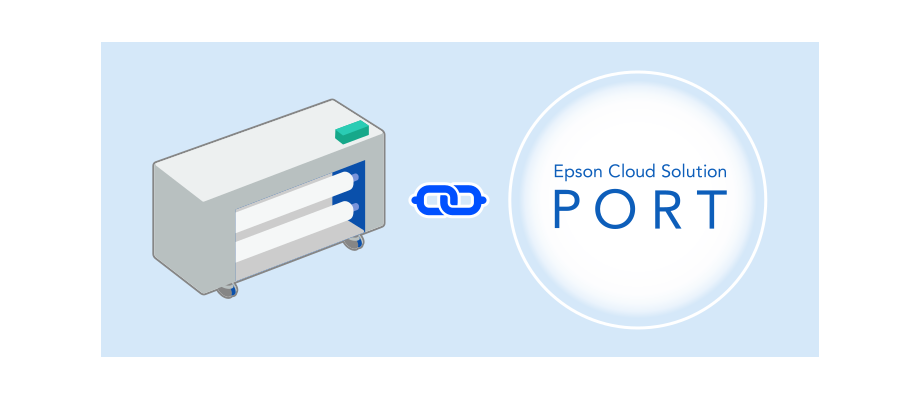 Add your printers Download the software, and then add the printers. If you have already downloaded the software, launch it and add the printers. |
|
|
1. Configure the printer's network settings. Check the following before starting the network setup. |
|
|
2. Download the software. Download Epson Cloud Solution PORT Setup from the button below, and then follow the on-screen instructions to complete the setup. Supported OS: Windows 10 (version 1903 or later / 64-bit), Windows 11 See the following to add a printer without using the software (installer). |
