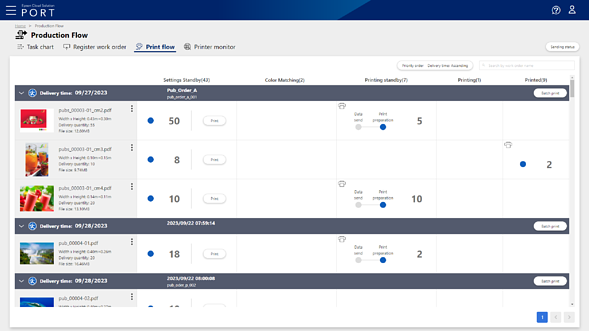
Print Queue Screen
You can manage the printing process (Awaiting Settings to Printed) on the Print Queue screen. For each work order, you can check information such as print files, status, and number of copies to print, as well as make print settings and print instructions. You can also make settings for distributed printing using multiple printers and spot color matching on this screen.
When the task for the print file proceeds to the printing process on the Work Order Management screen, the print file information is displayed on the Print Queue screen. To advance the print file task to the printing process, click the Awaiting Settings column in the line of the print file on the Work Order Management screen, and then click OK on the displayed confirmation screen.